
A multi-vendor WooCommerce marketplace needs a storefront for buyers and a workflow for independent sellers. Start with the plugin that handles seller registration, product approval, commissions, and payouts. Then compare themes that document compatibility with that plugin and make it easy for shoppers to see who sells each item.
Affiliate disclosure: We may earn a commission if you buy through links in this guide.
Quick picks: Start with Martfury for a large catalog, Motta for a curated marketplace, or WoodMart if you already sell products with many variations.
Quick comparison
| # | Name | Rating | Price | Sales | Details |
|---|---|---|---|---|---|
| 1 | Martfury | 4.60 / 5 | $59 regular license | 15,159 | Details |
| 2 | Motta | 4.54 / 5 | $35 regular license | 2,318 | Details |
| 3 | Wolmart | 5.00 / 5 | $79 regular license | 3,190 | Details |
| 4 | WoodMart | 4.91 / 5 | $49 regular license | 121,287 | Details |
| 5 | eMarket | 4.46 / 5 | $59 regular license | 3,333 | Details |
5 options
ThemeForest regular-license prices in USD, ratings, and sales checked November 27, 2026. Prices can change and exclude taxes and any separately purchased plugins or modules. The cover shows Martfury’s vendor preview.
Martfury
The vendor lists compatibility with Dokan, WC Vendors, MultiVendorX, and WCFM Marketplace. Martfury is a candidate for electronics or other catalog-heavy marketplaces where buyers need to navigate a large assortment.
Best fit: Large catalogs with many departments.
Check before buying: Open a vendor storefront from a product page and check how quickly you can return to the same search or category. Test a two-seller cart with your chosen plugin.
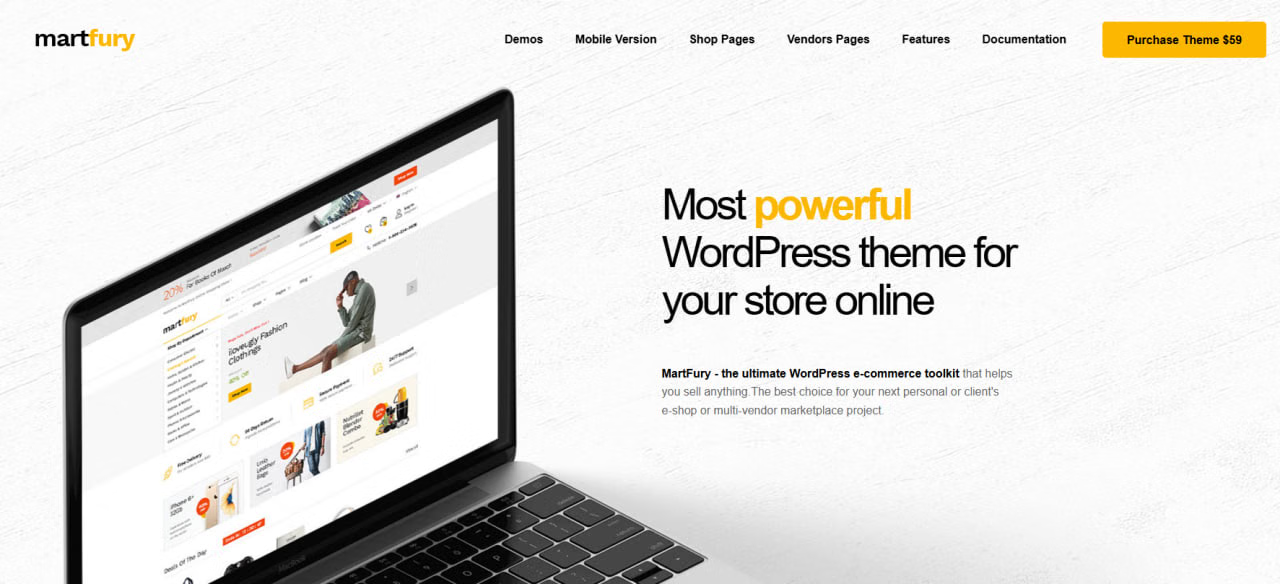
Martfury – More Info Martfury Demo
Motta
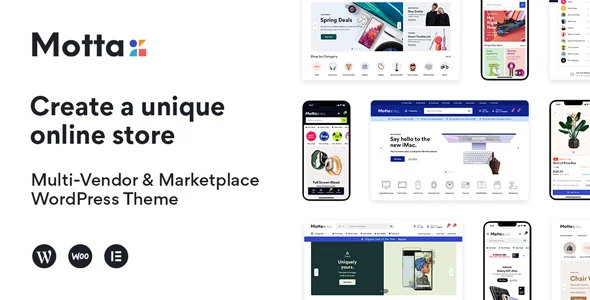
Motta’s listing names Dokan and WCFM Marketplace. Its storefront is a candidate for a curated fashion, furniture, or lifestyle marketplace where shoppers need to find both products and the people who sell them.
Best fit: Curated marketplaces with a simpler storefront.
Check before buying: Check the vendor name on mobile product pages. Try the registration and product-submission flows with the exact plugin plan you intend to buy.
Wolmart
The vendor lists Dokan, WCFM Marketplace, WC Vendors, and MultiVendorX. The listing also shows marketplace demos and catalog tools such as filtering and search.
Best fit: Teams comparing several marketplace plugins.
Check before buying: Ask which demo uses your chosen plugin. On a phone, test vendor archives, the filters, and shipping totals with items from more than one seller.
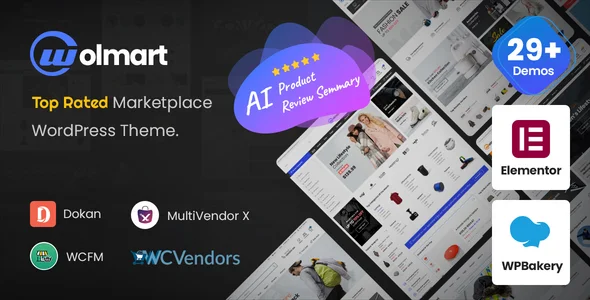 Wolmart – More Info Wolmart Demo
WoodMart
WoodMart’s vendor lists compatibility with Dokan, WCFM Marketplace, MultiVendorX, WC Vendors, and YITH Multi Vendor. The listing highlights variation swatches and galleries for products such as clothing or furniture.
Best fit: Stores with product variations that want to add sellers.
Check before buying: If you already run a store, check how existing products and reporting behave when sellers are introduced. Test variation editing from the seller dashboard.
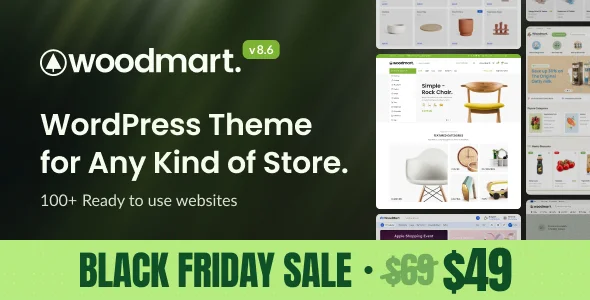 WoodMart – More Info WoodMart Demo
eMarket
The vendor documents optional mobile-specific layouts and compatibility with Dokan, WC Vendors, MultiVendorX, and WCFM Marketplace. Its demo library gives teams several category layouts to compare.
Best fit: Mobile-focused, multi-category storefronts.
Check before buying: Choose one demo and check which dependencies it imports. Verify that seller links, cart totals, and checkout behave consistently between mobile and desktop layouts.
 eMarket – More Info eMarket Demo
What to check before choosing a marketplace theme
- Seller onboarding: Register a test seller, approve the application, and check which fields the seller must complete before listing anything.
- Commissions and payouts: Run a test order and check the commission calculation, payout status, and refund handling. Confirm which plan supports the payout method you need.
- Multi-seller checkout: Order products from two sellers. Check shipping charges, who receives each order, and what the customer sees in their order history.
- Mobile seller workflow: From a phone, add a product variation, edit inventory, and find a new order. Use a keyboard to test the main shopping flow.
For an example of how the plugin handles these tasks, see Dokan’s vendor withdrawal guide and its plan comparison. See our WooCommerce themes guide for single-store options, or our directory themes guide if visitors only need to browse listings and contact businesses.
How we compared: We reviewed vendor listings and plugin documentation and verified the marketplace figures against Envato. The compatibility lists reflect what vendors document. Test the proposed theme, plugin plan, and payment setup together on a staging site before launch.